


- Access the UserWay Dashboard: Open your web browser and go to https://manage.userway.org. Log in using your UserWay credentials.
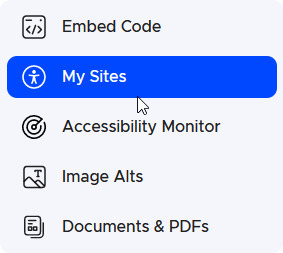
- Navigate to the Site List: In the left-hand menu, click on “My Sites.”
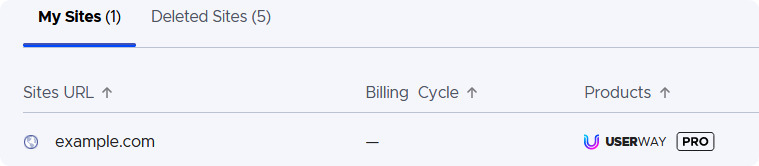
- Open the Settings for the Site: Click on the domain name of your site (e.g., example.com).
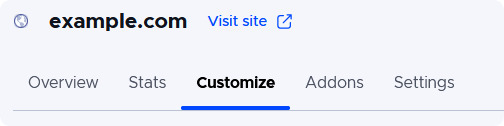
- Navigate to Customize: When the new window appears, click on the “Customize” tab.
- Select Widget Default Language: From the drop-down menu, select a default language.
- Save Changes: Click on “SAVE” to apply the change to the current site or click on “SAVE TO ALL” to apply to all sites on the account.



If you require additional assistance, feel free to contact us at desk@support.userway.org.