



- Access the UserWay Dashboard: Go to https://manage.userway.org in your web browser and log in using your UserWay credentials.
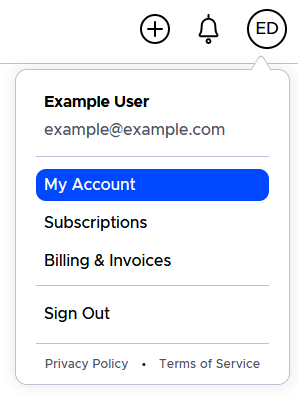
- Navigate to My Account: After logging in, click on your profile icon located in the top right corner > Select “My Account” from the drop-down menu.
- Enable IP Allowed List: Click on the button to enable the IP allowed list option.
- Add the IP: Specify the list of IP addresses that can access your dashboard, then use “Save” button to save the changes.



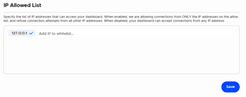
Note: When enabled, connections are allowed only from the IP addresses on the allow list, and all other connection attempts will be refused. When disabled, your dashboard can accept connections from any IP address.
If you have any questions, you can reach our support team at desk@support.userway.org.