

Create Accessible SharePoint Sites for Everyone
Barrier-free intranet sites are possible with UserWay + ShortPoint

UserWay and ShortPoint have partnered to ensure intranet sites are made fully accessible and ADA compliant for people with disabilities, including low-vision, blind, mobility impairments and more. Now you can make sites that look and work perfectly for visitors of all abilities.
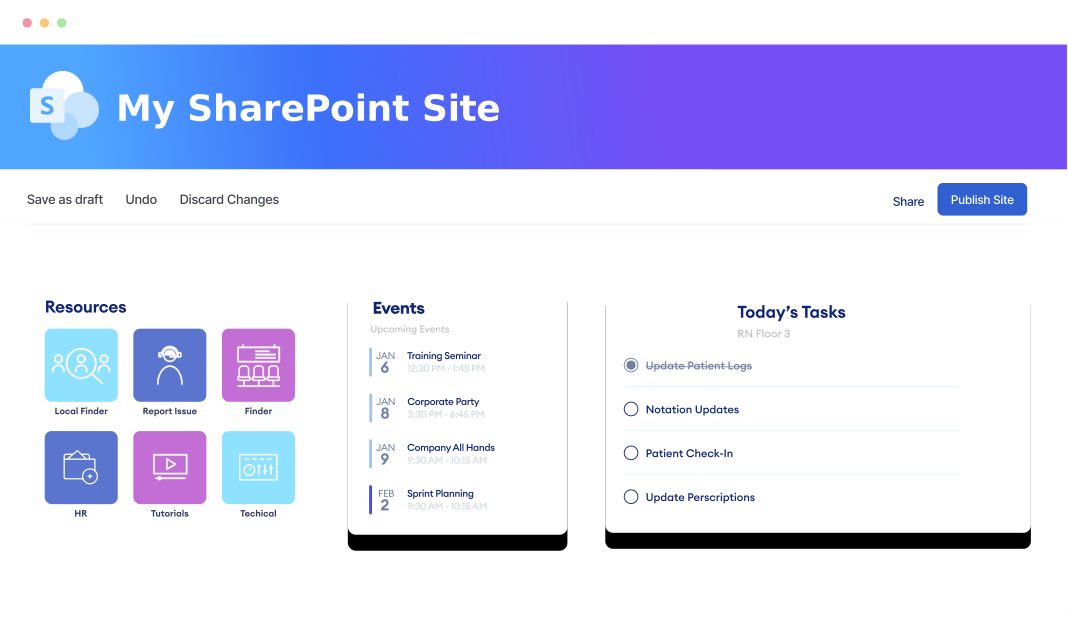


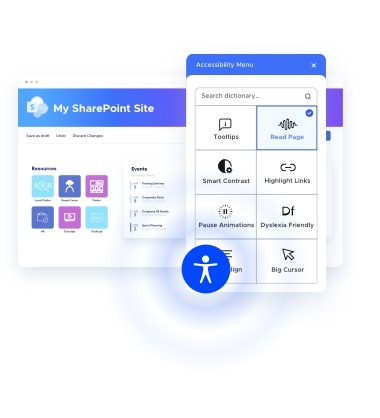


Unlock the Power to Design Accessible Intranet Sites
Now anyone can design beautiful, ADA-compliant websites.
Running on SharePoint?
Start ShortPoint Free TrialDesigners, Design!
Leave the accessibility to us. Learning the WCAG guidelines and standards for coding accessible user experiences and content that works with screen readers and other assistive technologies isn’t trivial, that’s why UserWay is here.Reach the widest possible audience online, with content that’s accessible to everyone!
That’s why ShortPoint and UserWay partnered to simplify the process. You can focus on the design, while UserWay’s AI technology writes all the alt-text descriptions for your buttons, photos and navigation menu.
Running on SharePoint?
Start ShortPoint Free Trial
Theme Builder

Connect

Copy & Paste

Design Kit
Running on SharePoint?
Start ShortPoint Free TrialCollaborate with People of All Abilities
Most websites don’t work properly for people with hearing, vision and mobility impairments. It’s an even bigger problem when these users need to collaborate with teams online. UserWay’s AI technology automatically gives them a seamless browsing experience so your team can focus on what matters most: Getting things done.
Turbo Charge
Your Intranet
Say goodbye to broken pages and backlogged dev requests. Now anyone can design new web pages with ShortPoint integrated into your existing SharePoint, Microsoft Teams or SAP intranet sites.
Running on SharePoint?
Start ShortPoint Free Trial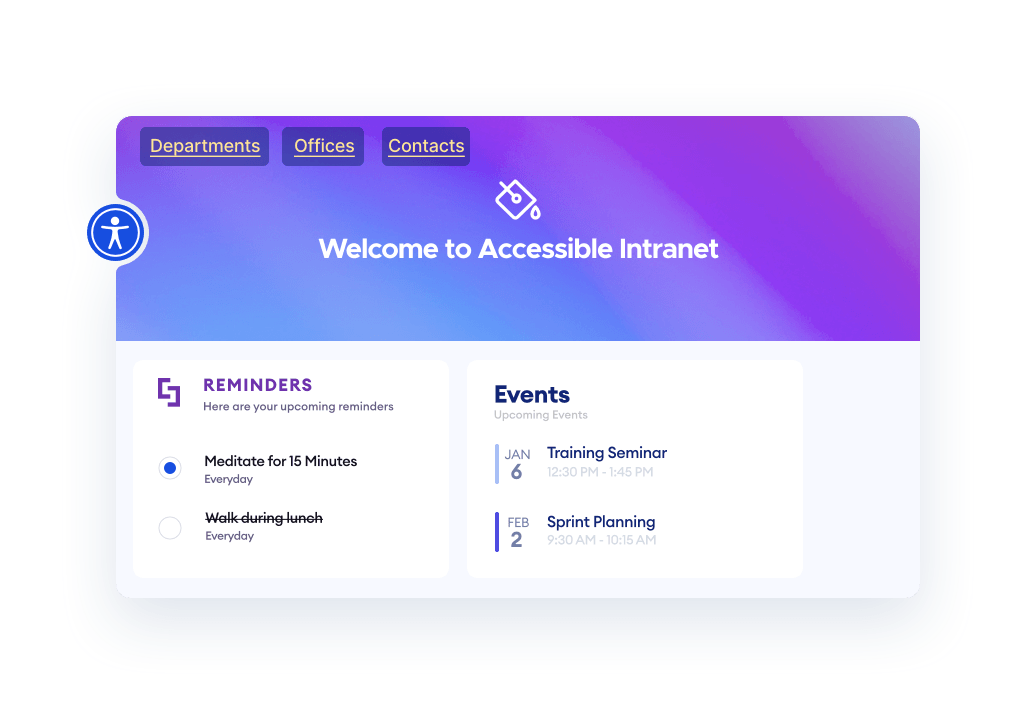
Running on SharePoint?
Start ShortPoint Free TrialAdd New Capabilities to Your Existing Intranet
ShortPoint fully integrates with your current intranet environment, so you don’t have to worry about starting from scratch. It’s secure, private and everything works without the need for plugins or custom code.
Running on SharePoint?
Start ShortPoint Free Trial

SharePoint

Office 365

Microsoft Teams

SAP Cloud Portal
Running on SharePoint?
Start ShortPoint Free TrialEvery Visitor Can Customize Your Site To Fit Their Needs
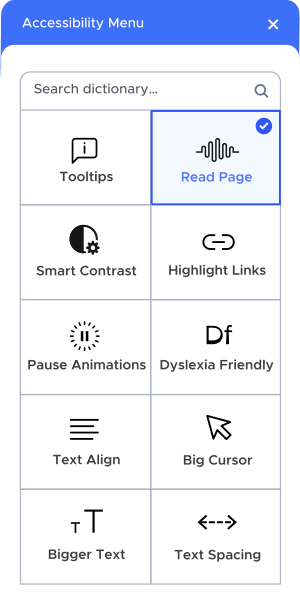
The AI-Powered UserWay Widget not only works in the background to ensure your code meets accessibility standards, but it also puts all your visitors in control of their browsing experience.
Font Size

Choose from four settings to make every part of your site instantly more readable.
Color Contrast
Boost contrast across all website elements, text, buttons and form fields.
Highlight Links
Highlights clickable items for easier site usability, navigation, and overall accessibility.
Pause Animations
Pauses content that moves. Stops animations, blinking, and flashing content that distracts and may trigger seizures.
Dyslexia Font
A research-based font that enhances readability for those with dyslexia and provides an easier and more fluid reading experience.
Reading Flow
Adds a gradient color scheme to text. Scientifically shown to improve reading speed and accuracy.
Running on SharePoint?
Start ShortPoint Free Trial